
CAD design is used by individuals, architects, construction managers, and engineers. CAD (Computer-aided design) has replaced manual drafting techniques. CAD design helps individuals create designs and blueprints in either 2D or 3D to visualize construction, and enables the development, modification, and optimization of the drafting and design process.
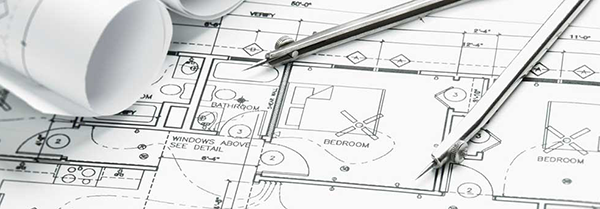
CAD Readouts
Accurate CAD Readouts
Quickly display accurate information such as radius, diameter, angles or degrees of rotation. Display absolute or incremental coordinates and much more.
Accurately display feet & inches or decimal equivalence when choosing the desired readout options for the task at hand.
CAD Pro readouts are designed to quickly display your mouse movements as well as object’s size and position, so you save time when creating your designs.
Automatic Calculation
Automatic calculation of Area and Perimeter is one of the valuable time saving options found in the Readouts.
Worldwide Compatibility
Worldwide compatibility with English and Metric coordinate systems are also fully supported in CAD Pro’s wide range of powerful features.
Unique Nudge Buttons
CAD Pro’s unique and time saving nudge buttons let you quickly and accurately change the size or position of any object directly from the readouts window. You can even set the nudge buttons to any desired increment of movement.
CAD Pro has helped thousands of homeowners, professional designers, builders, and contractors plan and design all types of floor plans. CAD Pro is used by NARI professional remodelers and contractors and the NRCA roofing contractors. CAD Pro is also used by NHBA home builders and contractors as well as the NALP National Association of Landscape Professionals.
Cad Pro is also great for creating net-zero floor plans, commercial floor plans, building floor plans, facility plans, construction details, restaurant drawings and much more.